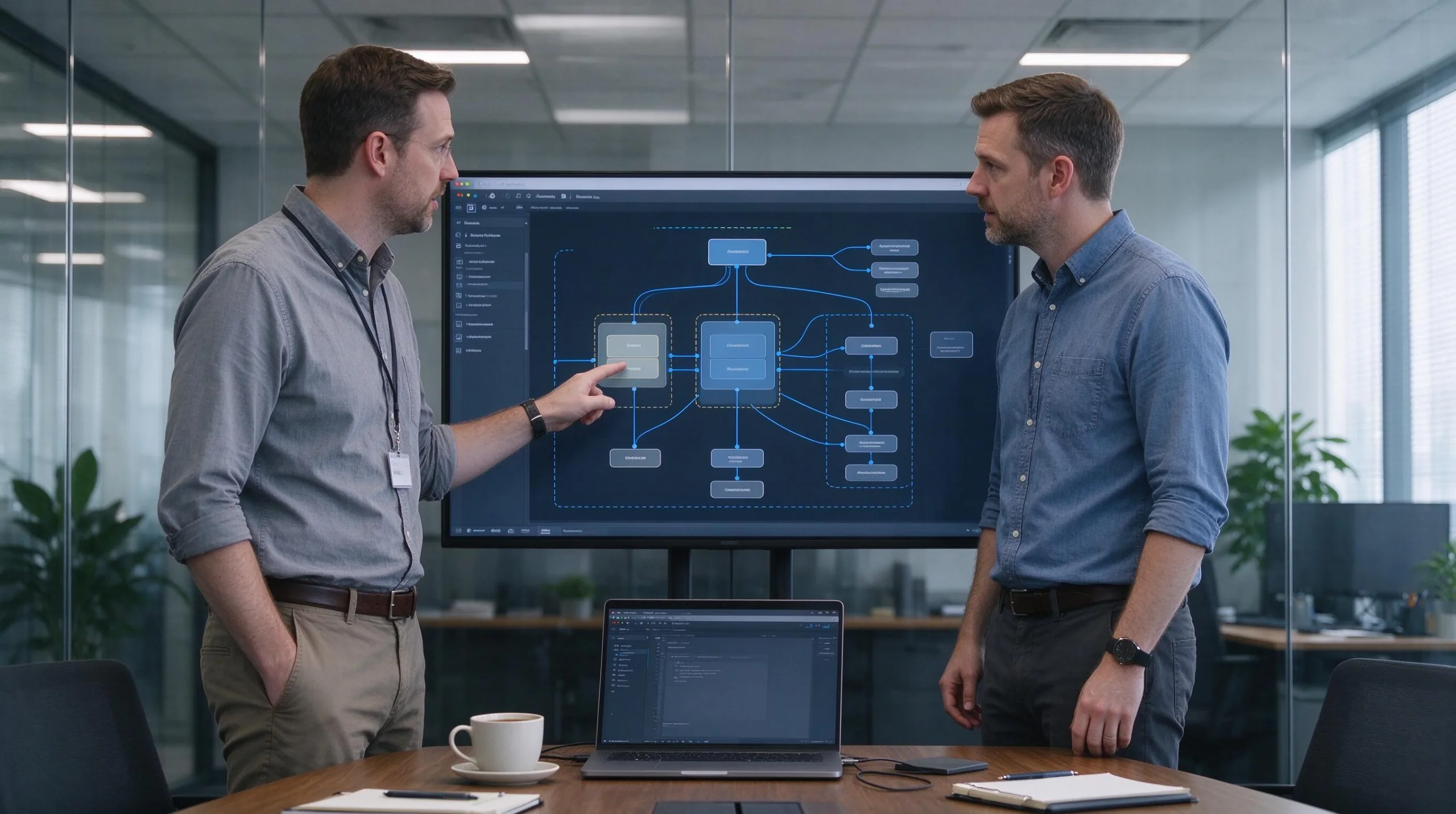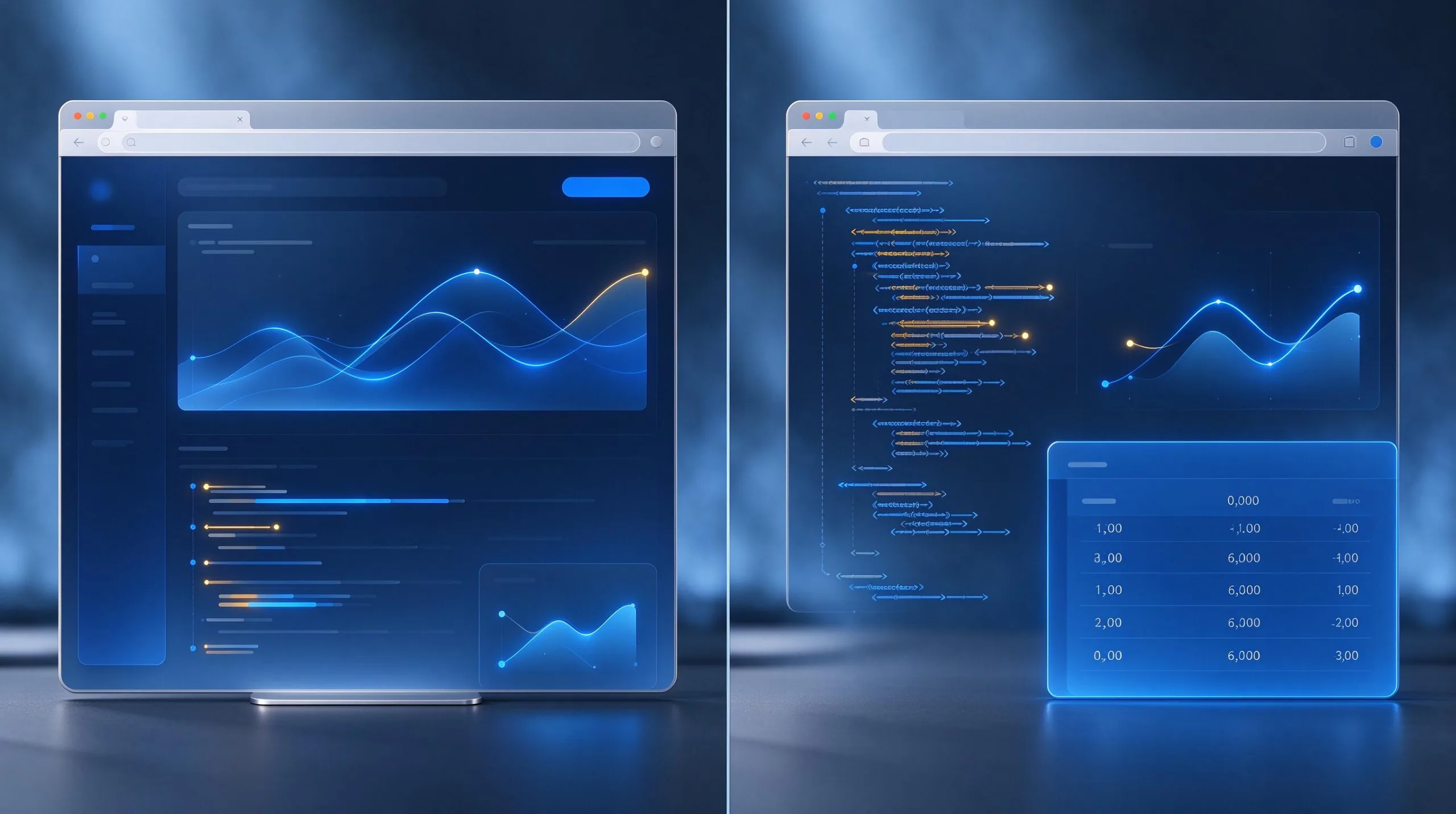
The four tasks in this test came straight from questions I keep hearing from people who have never shipped code before: Can it make a simple website section? Can it fix an obvious bug? Can it build a basic form? Can it add one small feature without breaking everything else? I ran the same four requests through Muse Spark and two widely used coding assistants in clean sessions, using identical prompts and the same evaluation rules.
This is not a contest about which model writes the most elegant algorithms. It is a check of what a motivated beginner can actually take from generation to something that runs in the browser with only light guidance.
Test Design and Shared Rules
The four beginner tasks
Task one: generate a responsive hero section with headline, short text, and button. Task two: fix a provided JavaScript function that fails to update a counter. Task three: create a simple contact form with name, email, and message fields plus basic validation messages. Task four: add a dark-mode toggle to an existing small page without destroying the prior layout.
Evaluation criteria that matter to new coders
I looked at whether the code ran without immediate errors, how many manual fixes were required, whether the model explained its changes in plain language, and whether a beginner could understand the result well enough to modify it later. Style points for cleverness were ignored.
Conditions kept identical
Each assistant received the identical prompt text. No prior conversation context was carried over. I used the default settings available in the ordinary web or editor interfaces. Results were recorded on the same afternoon so model versions stayed consistent within the test window.
Limits of this particular round
Only front-end browser tasks were included. No backend, no databases, no complex state management. The findings apply to early learning projects, not to professional codebases or production systems.
Results Across the Four Tasks
Hero section generation
All three assistants produced usable HTML and CSS. Muse Spark’s version needed the fewest spacing adjustments on mobile. One of the other assistants added unnecessary animation that a beginner would later struggle to remove. Explanations varied; the clearest plain-language walkthrough came from Muse Spark in this round.
Simple bug fix
The counter bug was straightforward. All three identified the missing update line. Muse Spark and one other assistant also suggested a small defensive check that prevented a secondary edge-case error. The third assistant fixed the reported bug but left the edge case untouched. Beginners benefited most from the versions that explained why the original code failed.
Basic contact form
Every assistant generated the required fields. Client-side validation quality differed. Muse Spark’s validation messages were written in ordinary language and the code stayed easy to read. One competing assistant produced more complete validation at the cost of denser code that a new learner found harder to follow. None of the forms submitted data anywhere; that limitation was stated up front.
Adding a dark-mode toggle
This task exposed the largest differences. Muse Spark preserved the existing layout and added a minimal toggle with clear comments. One other assistant introduced a CSS variable system that worked but required the beginner to understand more concepts at once. The third assistant’s toggle worked on desktop and failed to update one element on mobile until a second prompt was used.
What Beginners Actually Experience
Time from prompt to running result
For the hero and the bug fix, all three assistants got a beginner to a running result in under fifteen minutes including reading time. The form and the dark-mode tasks took longer because visual checking and small corrections were required. The bottleneck was never generation speed; it was understanding and verifying the output.
How much plain-language explanation helps
Assistants that described the change in ordinary sentences before or after the code block reduced confusion. Code-only answers forced the beginner to reverse-engineer intent. Muse Spark’s explanations in this test stayed closer to the level of a patient colleague than a reference manual.
The persistence of small visual bugs
Even when the logic was correct, spacing, contrast, or mobile behavior often needed hand adjustment. No assistant delivered pixel-perfect responsive results on the first try across all tasks. Beginners should budget time for looking at the page on a real phone.
Confidence after the session
Participants who could point to a specific line and say “this is what changed and why” left more confident than those who only knew that the page looked better. Explanation quality therefore mattered as much as code quality for this audience.

Practical Advice for Choosing and Using an Assistant
Match the tool to the learning goal
If the immediate goal is to understand what changed, prefer the assistant that explains in clear sentences. If the goal is simply to get a visual prototype on screen quickly, any of the three can work and personal preference will dominate.
Keep prompts small and check after every generation
Asking for one focused change at a time makes errors easier to spot. After each response, run the code and look at the result before requesting the next change. Large multi-part prompts hide mistakes longer.
Maintain a short “what I still edit by hand” list
After a few sessions the list becomes predictable: mobile spacing, color contrast, removing unused code the model left behind. Knowing the common cleanup steps reduces frustration.
Know when to step away from AI generation
When the beginner cannot explain the code they are about to use, it is time to slow down and study the underlying concept. AI assistants accelerate practice; they do not replace the need to understand the basics of HTML, CSS, and simple JavaScript.
Closing Observations from the Test
No single winner for every beginner
Muse Spark performed consistently across the four tasks and gave particularly clear explanations. The other assistants each had moments of strength—one on validation completeness, another on rapid visual prototyping. The right choice depends on whether the user values explanation, raw speed, or a particular interface they already know.
The real skill is still review
Every successful outcome in this test included a human looking at the result and deciding what to keep. The assistants that made that review easier delivered more value to beginners than the ones that simply produced more code.
Re-test after any model update
These results are a snapshot. Interfaces and model behavior change. The only durable method is to keep a small set of personal test tasks and re-run them when the tool feels different.
A simple next step for readers
Pick one of the four tasks. Run it through the assistant you already have access to. Make the result work on your phone. Then try the same task with a second assistant. The comparison that matters is the one you perform with your own hands and your own standards.
Beginners do not need the perfect coding assistant. They need one that helps them finish small, understandable projects and leaves them a little more capable than when they started. In this round Muse Spark cleared that bar cleanly alongside capable alternatives. The clean-run rule still decides what gets recommended.